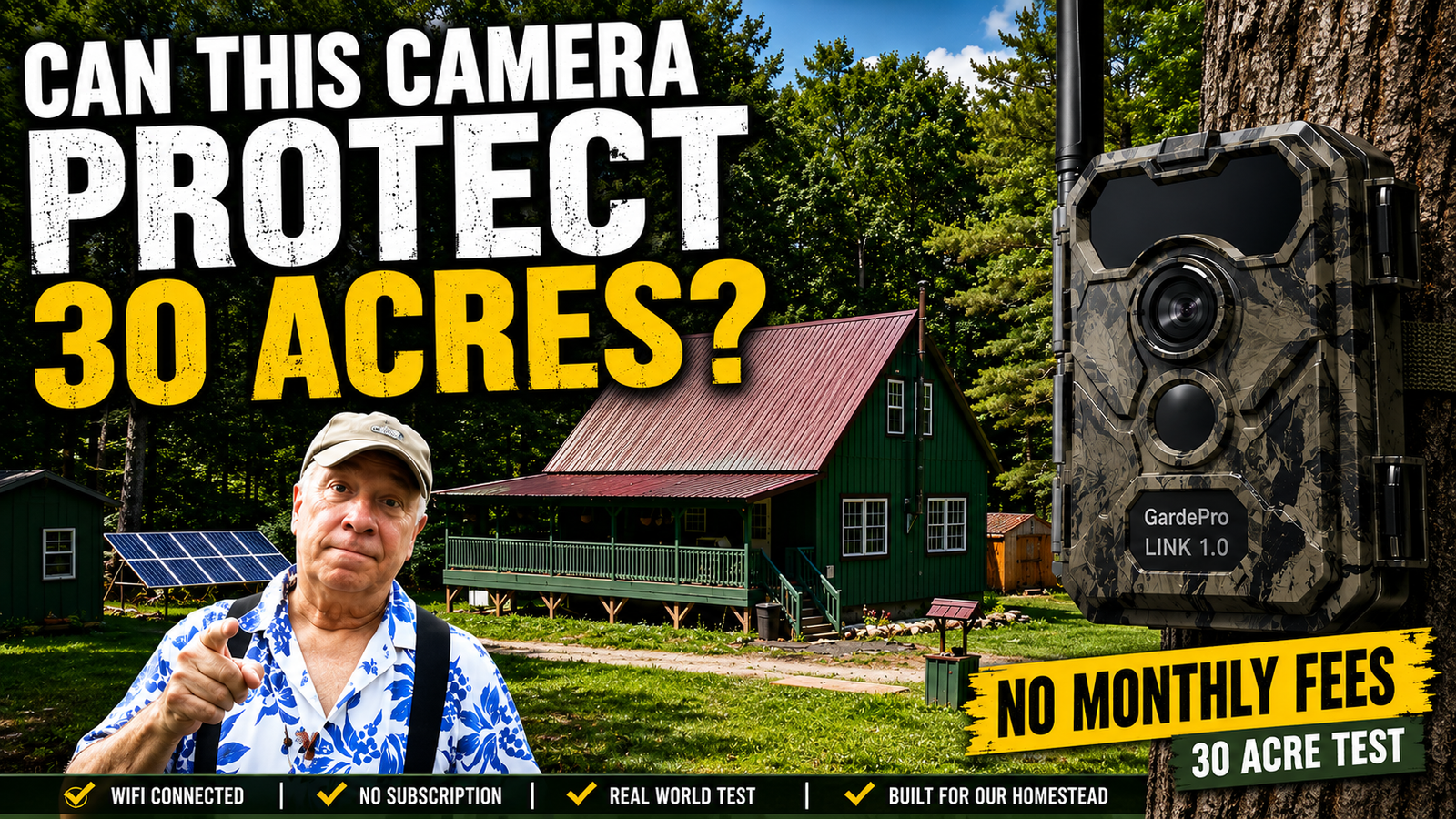
GardePro Wildlife Camera — Part II
How Far Can a Wi-Fi Trail Camera Really Reach?
About a month ago, we put the GardePro Link 1.0 to its first test here on our 30 acres.
We were particularly interested in the long-distance Wi-Fi capability. Our primary goal was **property security**, but we also thought a camera like this could do double duty as a wildlife camera. We wanted to know whether a Wi-Fi-based camera could actually work at the kind of distances we have to deal with here.
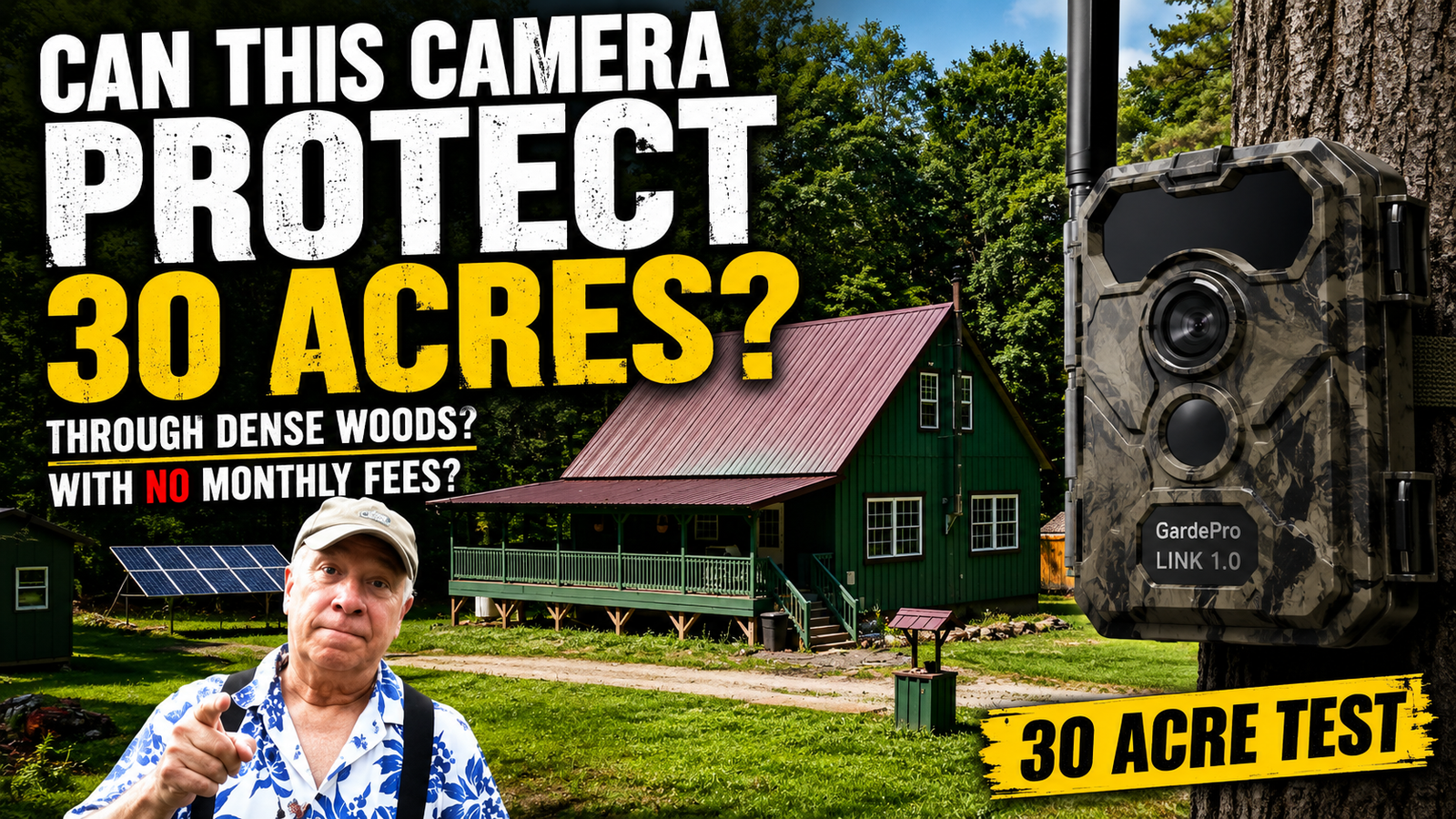
GardePro Sponsored Review
Approximately 1 Month
Moderate
The Story
Since that first test, we've continued using the camera, moving it to different locations and trying it under very different conditions.
And that's where things got interesting.
We found some things that worked exactly as we hoped. We also found a couple of things that required us to change how we were using the camera.
So rather than simply repeat the manufacturer's specifications, we decided to put together what we actually learned after living with the system for about a month.
---
What We Wanted to Know
There were five basic questions we wanted to answer:
- Could the camera reliably work several hundred feet from the house?
- Would it continue working with trees and terrain between the camera and the house?
- Would notifications remain reliable at long distances?
- Would the camera produce useful daytime and nighttime images?
- Could the solar panel keep the camera operating without constant attention?
We tested the camera at three very different locations on our property.
The results were surprisingly good.
Test #1 — Approximately 440 Feet
Our first test location was the easiest of the three.
The camera was approximately 440 feet from the house, with a relatively clear and unobstructed view back toward the house and the Link hub.
There were essentially no trees or other significant obstacles between the camera and the hub.
At this location, the system worked extremely well.
The connection was reliable, notifications arrived as expected, and both daytime and nighttime images were useful.
The solar panel also performed exactly as we hoped, keeping the camera powered without any problem.
What We Learned
The camera was clearly capable of operating at several hundred feet when it had a good line of sight.
We did run into one issue with motion detection, but this turned out to be largely a matter of camera placement and settings rather than a failure of the camera itself.
With the sensitivity set high, we received more notifications than we really wanted. And because of the way we had positioned the camera along our driveway, movement coming from one direction wasn't being detected as early as we expected.
Once we understood what was happening, the problem made considerably more sense.
Test #2 — Approximately 600 Feet Through Trees and Terrain
The second test was much more representative of what we were really interested in.
The camera was approximately 600 feet from the house, positioned beside a tree near our driveway.
There was no completely unobstructed line of sight to the house.
The camera was also roughly 30–40 feet lower in elevation than the house, with the signal having to travel across the edge of a rise in the terrain.
And there wasn't much direct sunlight reaching the camera.
This was where we began to see both the strengths and limitations of the system.
The Wi-Fi connection remained reliable.
Notifications continued to work.
And the camera continued producing good images, particularly at night.
The infrared night images were actually excellent and consistently reliable.
The Daytime Exposure Problem
The biggest issue we encountered at the second location wasn't the Wi-Fi connection.
It was daytime exposure.
Because of the way sunlight was hitting the area, animals moving through the scene could be brightly illuminated while surrounding areas remained considerably darker.
That created situations where portions of the image became washed out.
We saw this particularly clearly when a fox passed through the camera's view.
The fox was there. The camera captured it. But the bright sunlight made the image much less useful than it should have been.
This is important for security applications because a person or vehicle entering the property could still trigger the camera and generate a notification, while some details might be lost because of the lighting conditions.
There isn't a manual exposure adjustment that we could use to simply correct the problem.
The practical solution is camera positioning—finding the best angle for the particular lighting conditions.
We Contacted GardePro
At this point, we contacted GardePro about both the motion-detection behavior and the exposure problem.
Their response was one of the things that impressed us about the experience.
They responded within approximately 12 hours and provided guidance on the motion-detection settings as well as suggestions for positioning the camera to improve the exposure.
They were also straightforward about the exposure issue. There wasn't a hidden setting that magically corrected it; the best solution was to reposition the camera when possible.
We appreciate that kind of response.
We'd much rather have a manufacturer give us an honest explanation and a practical solution than simply tell us that everything should work perfectly.
The 600-Foot Results
After testing the camera at this location, our conclusions were:
Could it work around 600 feet with some tree obstruction?
Yes.
Were notifications reliable?
Yes.
Did it produce useful daytime images?
Yes—with the important caveat that camera positioning can make a significant difference in difficult lighting.
Did it produce good nighttime images?
Absolutely. The infrared performance was excellent.
Did the solar panel keep the camera running?
Yes. Even with limited sunlight, the solar panel continued keeping the camera charged.
That was particularly impressive because this was not a location with ideal solar exposure.
Test #3 — Approximately 1,120 Feet Through Heavy Forest
For our final test, we wanted to push things considerably farther.
The third location was approximately 1,120 feet from the house, and this time the signal had to travel through a substantial amount of forest.
There were smaller trees, branches and leaves, as well as larger trees between the camera and the house.
This was by far the most difficult location we tested.
It was also our favorite.
The camera was positioned along one of the trails that animals regularly use on our property. The location was roughly 40 feet higher in elevation than the house, requiring us to climb a twisting trail to reach it.
And despite all of the trees between the camera and the house, the camera continued to produce excellent pictures and video.
1,120 Feet — Through the Forest
After approximately 7–8 days at this location, the camera was showing a signal strength of about 2 out of 5.
That's not a strong signal by the indicator, but it was still enough to keep the camera working.
And the image quality remained surprisingly good.
This is the point where we began to realize that the GardePro Link 1.0 was reaching the practical limit of what we were likely to be able to test on our property—but it was doing considerably better than we expected.
The manufacturer claims a maximum range of up to 3,000 feet.
We cannot verify that claim.
We simply don't have an open, unobstructed 3,000-foot stretch of property where we can perform that test.
What we can say is that at approximately 1,120 feet, with substantial forest between the camera and the house, we were still getting a usable connection and excellent images.
Solar Performance in Deep Shade
The third location also presented the most difficult solar conditions.
The camera received very little direct sunlight and was in shade for most of the time.
This was the hardest test for the solar panel.
After roughly a week, the battery had dropped to somewhere around 86–88%.
That's obviously a decline from a fully charged battery, but it was still nowhere close to becoming a concern.
The important thing was that the solar panel was still contributing enough power to keep the camera operating.
The little solar panel turned out to be considerably more capable than we expected.
The Wildlife Bonus
This third location ended up being the most fun of all.
We originally bought the system because we were interested in property security.
But once we put the camera along this trail, the wildlife started making a pretty convincing argument for keeping it there.
We've captured coyotes, raccoons, plenty of deer and even our little red heeler chasing deer through the area.
For wildlife watching alone, this location made the system worthwhile.
And because the camera stores its video and pictures in the cloud without requiring a subscription, it was easy to go back and look at what the camera had captured.
A 64GB microSD card was also included with the camera.
After accumulating roughly 440–460 videos and pictures, we had used only about 13% of the available storage.
What We Like
After using the system for about a month, there are quite a few things we like about it.
Long-distance Wi-Fi
The ability to connect a camera this far from the house without relying on a cellular data plan is probably the biggest reason we were interested in the system in the first place.
At approximately 1,120 feet, even through heavy forest, it continued to function.
No Monthly Subscription
This is a big one for us.
The camera doesn't require a monthly subscription to store and access the captured video and pictures.
Image Quality
The image and video quality have been excellent in our experience.
Nighttime infrared performance has been particularly impressive.
Solar Charging
The solar panel has performed well in a variety of conditions, including locations where direct sunlight was limited.
Notifications
When the camera detects activity and begins recording, the notification arrives quickly.
For property security, that's important.
One Hub, Multiple Cameras
Multiple cameras can be connected to the same hub.
That opens up some interesting possibilities on a property like ours, where we could eventually have cameras watching different approaches, trails or other areas without needing a separate system for each camera.
Customer Service
Our experience with GardePro's customer service was very positive.
When we had questions, they responded promptly and gave us practical guidance rather than simply repeating the product specifications.
What We Don't Like
The system isn't perfect.
The biggest limitation we found was daytime exposure in difficult lighting conditions.
When bright sunlight and deep shade occur in the same scene, some subjects can become washed out. There isn't a manual exposure control that allows us to compensate for that, so positioning becomes important.
We also learned that motion detection isn't simply a matter of turning sensitivity all the way up and forgetting about it.
Camera position, direction of travel and sensitivity settings all matter.
In our case, at least some of what we initially thought was a camera problem turned out to be operator error.
That's worth mentioning because real-world testing isn't just about finding flaws in a product. Sometimes the test tells you that you're the problem.
Our Final Assessment
After testing the GardePro Link 1.0 at three very different locations, our overall impression is very positive.
At approximately 440 feet with a clear line of sight, it worked extremely well.
At approximately 600 feet with trees, terrain and limited sunlight, it continued to work reliably.
And at approximately 1,120 feet through heavy forest, it was still operating with a 2/5 signal and producing excellent images.
The system connected reliably to the hub, with only a couple of reconnections during the period when we were moving the camera around and changing locations.
The solar charger performed well.
The image quality was excellent.
The setup was easy.
The system doesn't require a subscription.
And our experience with customer service was very good.
Would We Buy It Again?
Yes.
Both of us came to the same conclusion.
If we were purchasing this system ourselves, we'd buy it again.
Our primary interest is property security. The fact that it also happens to be a very capable wildlife camera is a bonus.
For us, one of the most compelling features is the combination of long-distance Wi-Fi connectivity and no recurring subscription fee.
We haven't found another option that gives us this kind of distance from the house without relying on cellular service.
And the ability to add multiple cameras to the same hub makes the system even more useful for a property like ours.
In fact, we're seriously considering adding another couple of cameras and eventually replacing some of the odds-and-ends cameras we've accumulated over the years with additional GardePro units.
If we DO, we'll update you in a future video.
Why This Matters for Property Security
For us, this isn't just about watching deer.
We live on 30 acres, and there are a lot of places around the property where we can't simply look out a window and see what's happening.
A camera positioned along a driveway, trail or other approach gives us another set of eyes.
And because the GardePro sends an immediate notification when it detects activity and begins recording, we don't have to be sitting at a computer watching a live feed.
If someone enters an area we're monitoring, we can know about it quickly.
That's the part of this system that makes it genuinely useful to us.
The wildlife videos are fun.
The security is the reason we need it.
Watch the Full Field Test
In the video below, we take you with us to all three test locations and show you what we found in the field—including the good, the bad, the unexpected and some of the wildlife that made the third location our favorite.
How Far Can a Wi-Fi Trail Camera Really Reach? We Tested 1,120 Feet
YouTube Chapters
- 0:00 GardePro Link 1.0 — Part II: Real-World Testing
- 1:03 What We Set Out to Test
- 1:24 Test #1 — 440 Feet, Clear Line of Sight
- 3:41 Test #2 — 600 Feet, Trees & Terrain
- 5:13 The Problems We Found — and GardePro's Response
- 7:07 600-Foot Test Results
- 8:33 Test #3 — 1,120 Feet Through Heavy Forest
- 9:54 Solar Charging in Deep Shade
- 10:12 Signal Strength, Storage & Wildlife
- 13:42 Our Final Assessment
- 15:12 Would We Buy It Again?
- 16:29 One Hub, Multiple Cameras
- 17:00 Where to Find the GardePro Link 1.0
https://www.youtube.com/watch?v=mzEQTCCmtHI
GardePro Link 1.0
GardePro provided the Link 1.0 system to us for testing and review.
We were not paid to give the product a positive review. The opinions and conclusions on this page and in the video are based on our actual experience using the camera on our property.
Our video description contains our GardePro affiliate link and a 15% discount code. If you decide to purchase through that link, we may receive a commission at no additional cost to you. Using the link also helps support Al & Val's Modern Homestead Life.
Related Projects
GardePro Link 1.0 — Part I
Our original introduction, setup and first look at the GardePro Link 1.0 system.
More Projects Coming Soon
We're continuing to test and use the system, so we'll update this page if our experience changes or we discover something new that would be useful to share.
WATCH THE FULL PLAYLIST →